A remote on your wrist
The Watch shows what is happening inside while you stand at the wheel. Driver side, passenger side, and drawbar stay in view.

$2.99 / €2.99 · iPhone, iPad & Apple Watch
Level your caravan with your iPhone.


Scan and open on your iPhone
or view in the App Store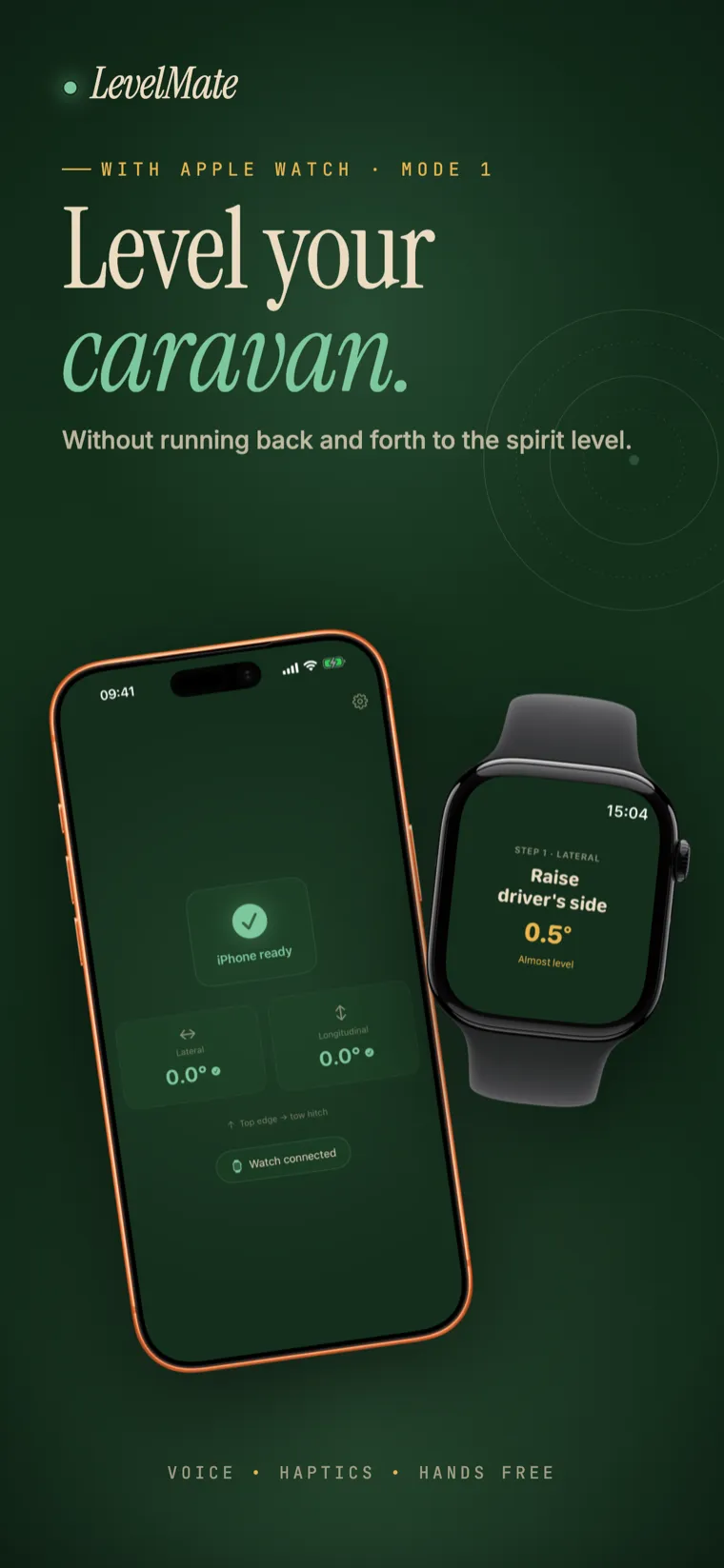
LevelMate measures your caravan's tilt with your iPhone and shows guidance on an Apple Watch, a second iPhone or an iPad. Or use one iPhone with spoken instructions. No internet, account or ads required. Optional usage analytics can be disabled in Settings.
The Watch shows what is happening inside while you stand at the wheel. Driver side, passenger side, and drawbar stay in view.
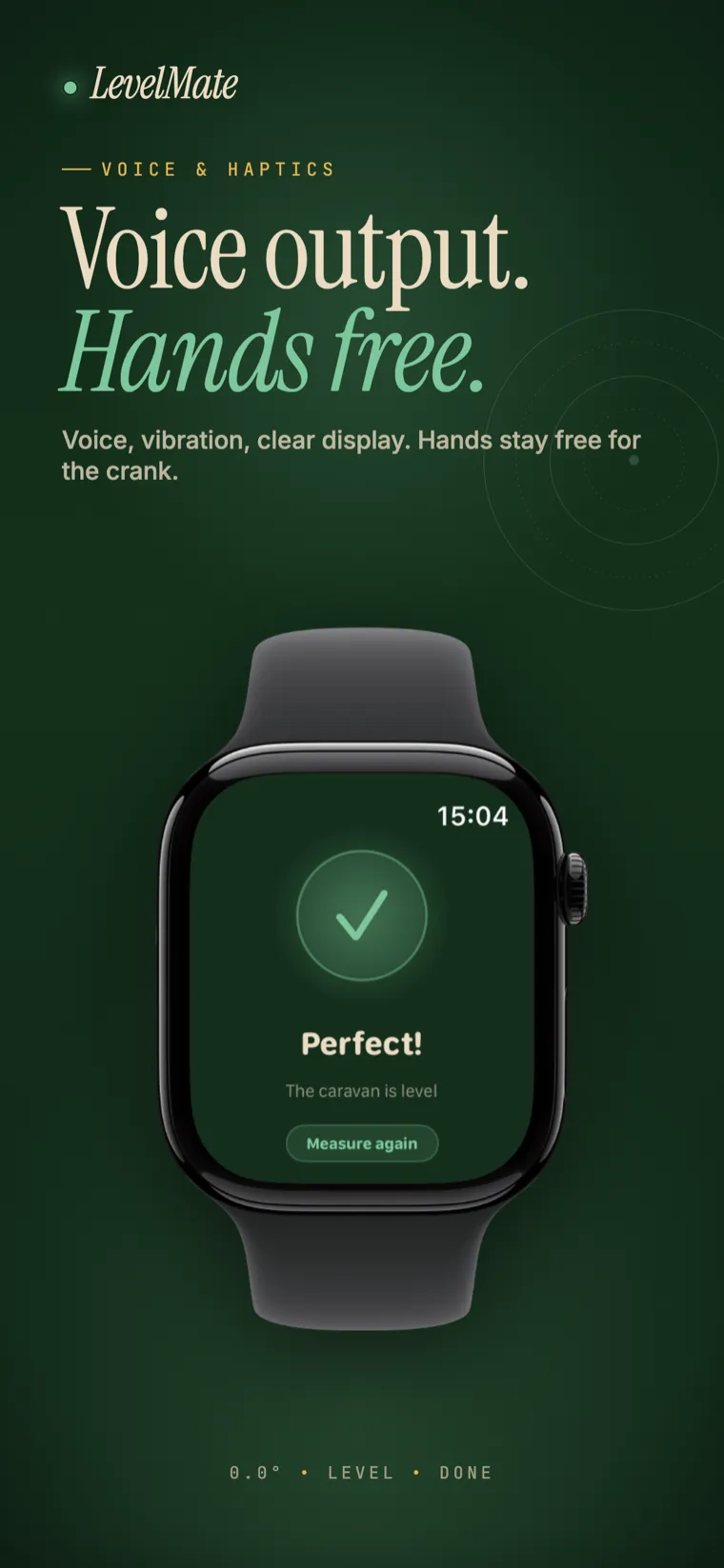
Spoken guidance in English and German. Raise the driver side. You do not even need to look at the watch.
A vibration marks every bit of progress, and again the moment the caravan is level.
No account or login. Pick a mode, set the measuring iPhone down, and start. With two devices, choose Sender on the measuring iPhone and Receiver on the other device.
Levelling works without internet. For two devices, leave Wi-Fi and Bluetooth on so they can connect directly. No campsite network or router is needed.
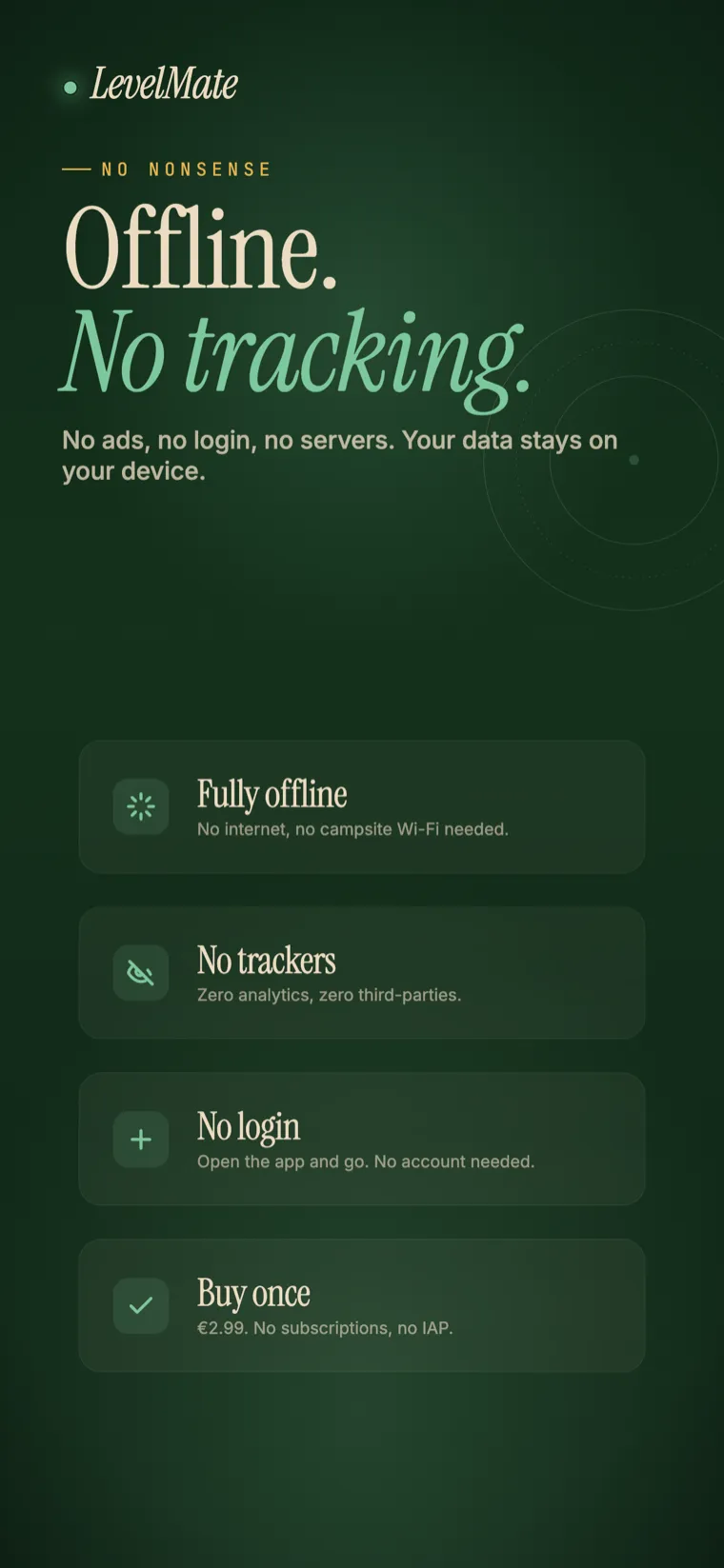
No account, ads or advertising tracking. Measurement stays on your devices. Optional usage analytics can be switched off in Settings.
The iPhone rests inside and measures. The Watch tells you what to do out at the wheel, so your hands stay free.
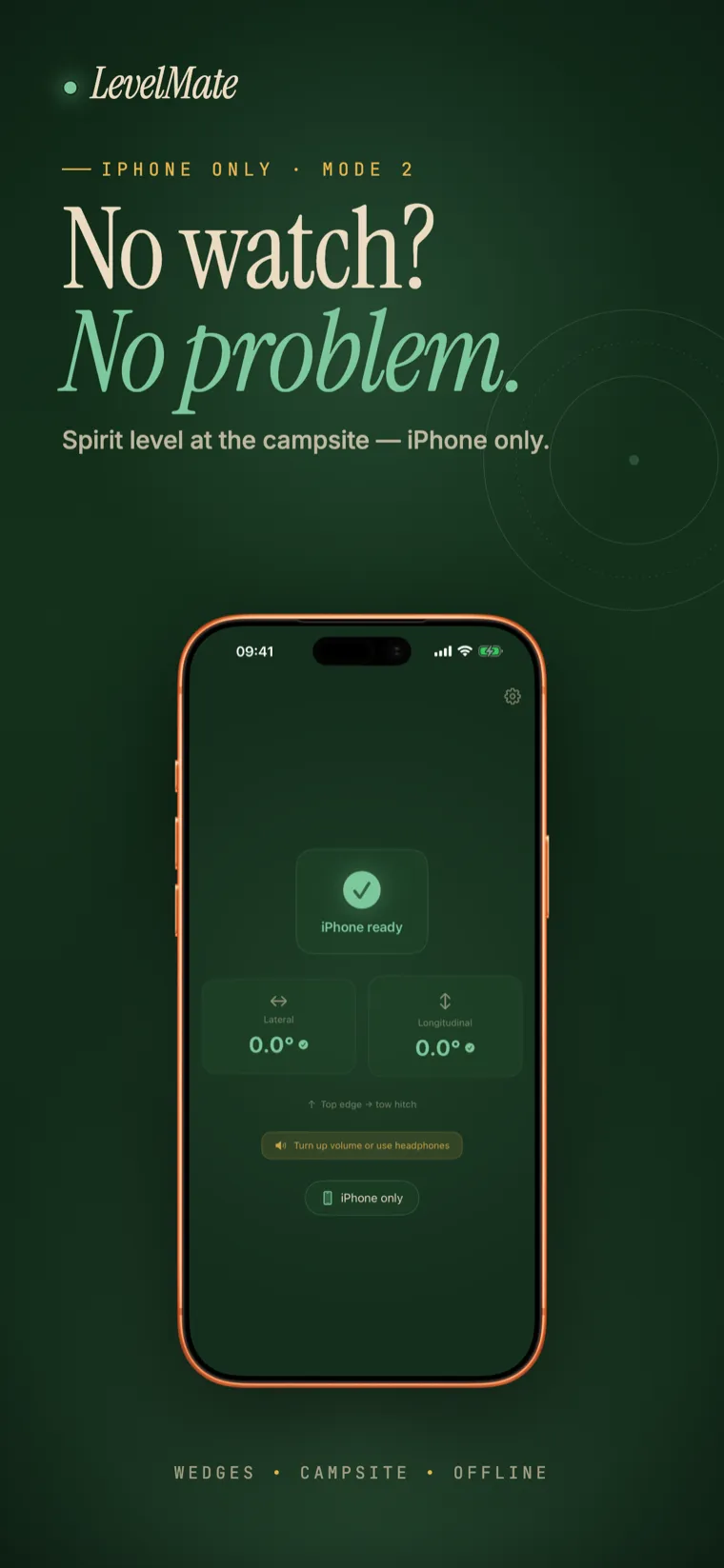
No second device needed. The iPhone measures and reads the instructions out loud.
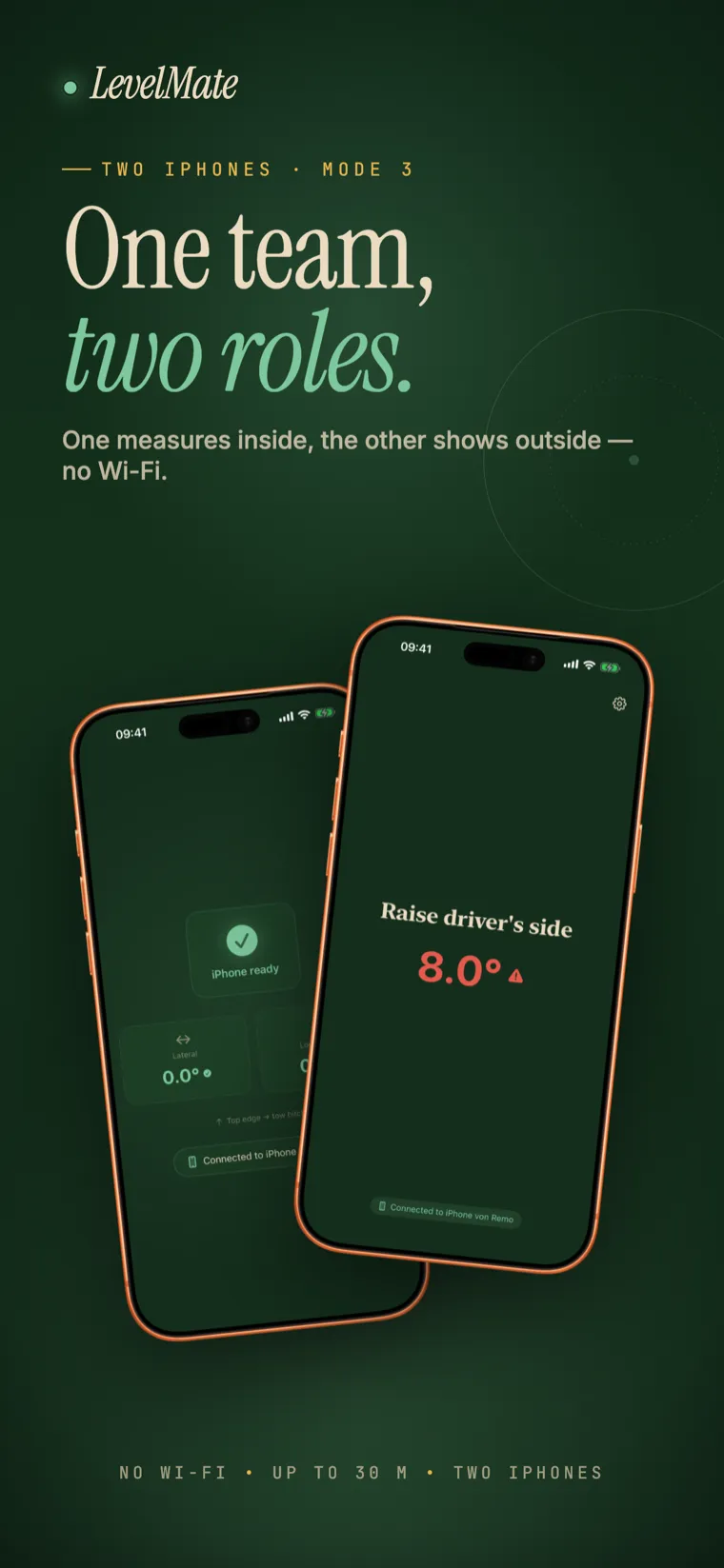
The iPhone inside measures in Sender mode. A second iPhone or an iPad in Receiver mode shows and speaks the instructions outside. Keep Wi-Fi and Bluetooth enabled; no internet connection or Wi-Fi router is required.
Watch, one iPhone, or a second iPhone or iPad. Change modes in Settings. With two devices, set the measuring iPhone to Sender and the other device to Receiver.
Screen down on a firm surface inside the caravan. That was the hardest step.
Push the chocks, turn the crank. The app guides you one step at a time.
Steady, without a single walk back to the spirit level. You can arrive.
It does, but it only helps you inside. You are standing outside at the wheel. LevelMate does not replace the measuring, it replaces the walking back and forth.
No. You can use one iPhone with spoken guidance, or an iPhone that measures while a second iPhone or an iPad receives the instructions.
Yes. Levelling does not need internet. With a second iPhone or iPad, keep Wi-Fi and Bluetooth enabled and allow Local Network access on both devices. They connect directly, without a Wi-Fi router.
$2.99 for never walking back and forth again, at every pitch, for good. That is less than two rolls at the campsite kiosk.
LevelMate needs iOS 26.2 or later.
With one iPhone, it measures inside and speaks the instructions. Turn up the media volume so you can hear it. With two devices, carry the receiver iPhone or iPad outside to see and hear the guidance there.
In Settings, choose Sender on the measuring iPhone and Receiver on the second iPhone or iPad. Allow Local Network access for LevelMate on both devices and enable Wi-Fi and Bluetooth. Keep both apps open and first test with the devices next to each other. Range depends on distance and obstacles.
LevelMate uses optional usage analytics that are not linked to your identity. You can switch them off under Settings → Privacy. There is no advertising tracking, and your measurements stay on your devices.
Get LevelMate